
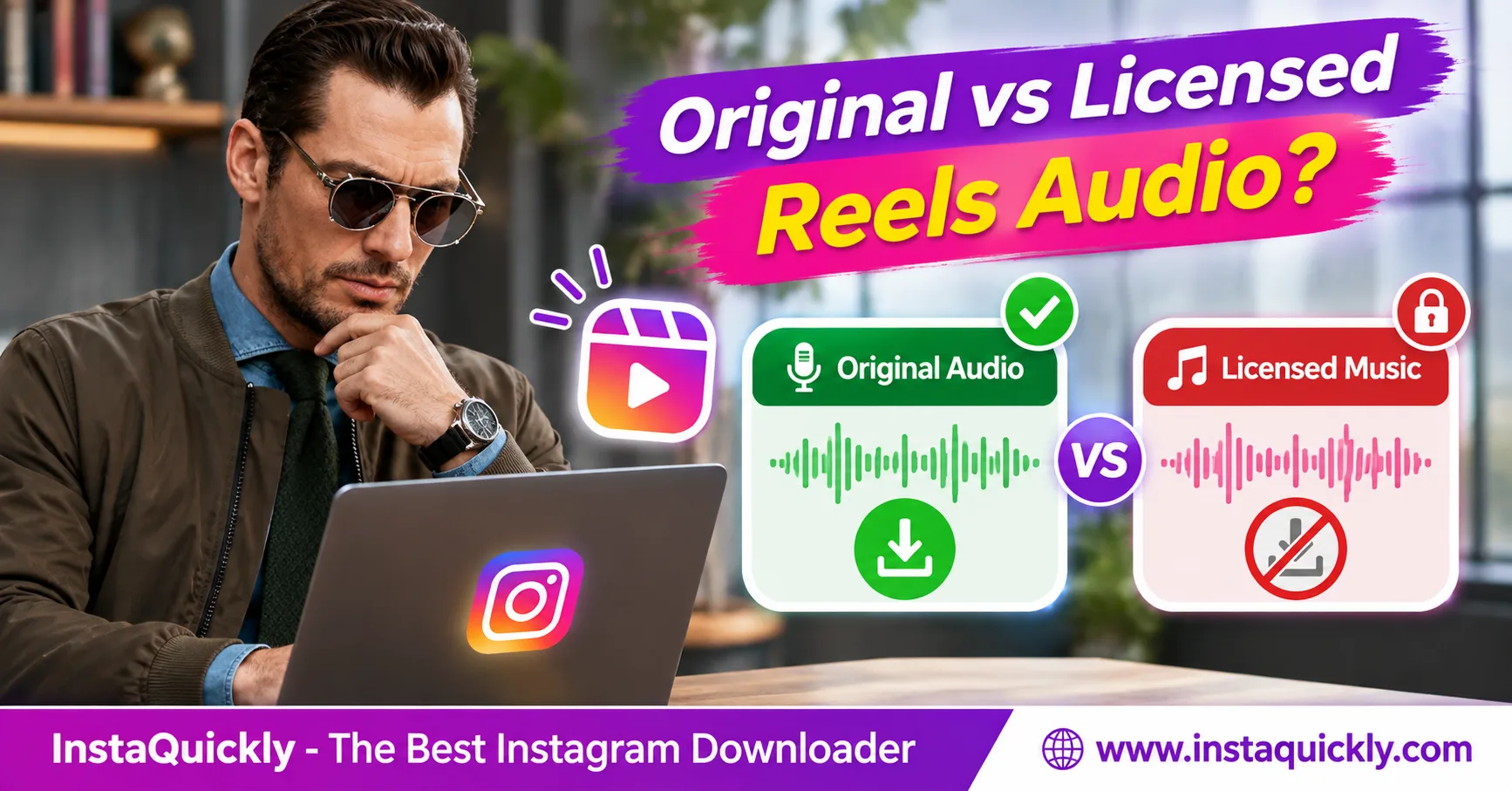
Instagram original audio vs licensed music affects what you can save, download, and reuse from Reels. Original audio usually comes from a creator's recording, while licensed music comes from songs available through Instagram's music library. Both may have copyright restrictions.
You can save accessible original audio when a supported source provides it. However, licensed music may play inside Instagram but disappear from downloaded videos or audio files.
This guide explains how to identify each audio type, compare usage rights, check download availability, and choose safe ways to save permitted sounds with InstaQuickly.
What Is the Difference Between Instagram Original Audio and Licensed Music?
The main difference is where the sound comes from and how Instagram provides it. Original audio usually comes from a creator's recording or uploaded video, while licensed music comes from tracks offered through Instagram's music library.
Both can appear in Reels, but their download availability and reuse permissions may differ.
What Is Instagram Original Audio?
Instagram original audio explained: Original audio is sound that a creator records or uploads with a Reel instead of selecting a song from Instagram's licensed music library.
It can include:
- Spoken tutorials and voiceovers.
- Interviews and conversations.
- Environmental sounds.
- Creator-recorded music.
- Original sound effects.
- Audio included in an uploaded video.
When someone publishes a public Reel with original audio, Instagram may attribute that sound to the creator.
Other users may see a Use Audio option that lets them create Reels with the sound inside Instagram.
However, the label "Original audio" does not prove that the uploader owns every sound in the recording.
What Is Licensed Music on Instagram Reels?
Instagram Reels licensed music refers to music that Instagram makes available through its music library under licensing arrangements.
These tracks may include songs from professional artists, record labels, and music publishers.
Creators can select available music while editing Reels.
However, music access can depend on location, account type, intended use, and the platform's current agreements.
A song that works inside Instagram may not have permission for external downloads, commercial advertising, or distribution on another platform.
Is Original Audio Always Copyright-Free?
No. Original audio is not automatically free to copy, download, or reuse.
The original creator may own the recording. Alternatively, the audio may contain someone else's copyrighted music, speech, or sound effects.
For example, a creator might upload a video with a popular song playing in the background. Instagram could display that recording as original audio even though the uploader does not own the song.
Always separate the audio label from its actual copyright ownership.
Instagram Original Audio vs Licensed Music: Full Comparison
The Instagram original sound vs music comparison involves source ownership, platform features, downloadable files, and usage rights.
Neither audio type automatically gives every Instagram user permission to reuse the recording outside the app.
| Feature | Original Audio | Licensed Music |
|---|---|---|
| Common source | Creator's recorded or uploaded sound | Instagram music library |
| Typical content | Voice, narration, environmental audio | Commercial songs and music tracks |
| Audio attribution | Often linked to the creator | Often linked to artist and song |
| Use Audio inside Instagram | May be available | May be available |
| Public Reel download | Source-dependent | Often subject to additional restrictions |
| Audio-only MP3/M4A | When accessible and supported | Not guaranteed |
| Copyright protection | May apply | Usually applies |
| Commercial reuse | Requires suitable rights | Requires suitable rights |
| Availability by region | Depends on source and access | Can depend on music licenses |
| Permission for external reuse | Not automatic | Not automatic |
| Safest backup method | Keep your own original recording | Keep a separately licensed copy |
The table describes typical differences rather than universal rules.
Instagram may change its audio features, and rights holders can change the availability of licensed recordings.
Can You Save Instagram Original Audio?
Yes, you can save Instagram original audio when the public source contains an accessible soundtrack and your download tool offers a compatible audio file.
You should also own the recording, have permission, or have another valid legal basis for saving it.
For example, a creator can back up their own spoken tutorial from a public Reel.
An educator may also save an authorized recording for offline research.
However, a public Reel does not guarantee that an audio-only file exists.
Can You Download Licensed Music from Instagram Reels?
Not reliably. Instagram's music licenses may allow in-app playback without allowing an external audio download.
A Reel can play its full soundtrack on Instagram but provide a silent video or no audio-only option when downloaded.
Using a different downloader does not automatically solve a licensing restriction.
If you need a song for your own project, obtain it through a source that grants the appropriate rights.
How to Identify Original Audio and Licensed Music in Instagram Reels
Check the audio attribution shown on the Reel before attempting a download.
The information can help you identify the sound source, although it does not prove ownership or guarantee downloadable audio.
How Do You Check a Reel's Audio Type?
- Open the Instagram Reel.
- Look for the audio name or attribution.
- Tap the audio information when available.
- Check whether Instagram shows an original audio label or a song title.
- Review the creator or artist attribution.
- Check whether Use Audio or Save Audio appears.
- Confirm whether the sound is still playable.
If Instagram displays a recognized song with an artist name, the Reel likely uses music from its library.
If Instagram displays "Original audio," the sound may come from the creator's recording or uploaded media.
Do not assume that either label provides copyright permission.
What Does Save Audio Mean on Instagram?
Instagram's Save Audio feature lets users bookmark an available sound inside the platform for later use.
It does not necessarily download an MP3 or M4A file to your device.
Similarly, Use Audio lets users create content through Instagram's supported editing workflow.
The differences are:
- Save Audio: Keep an audio reference inside Instagram.
- Use Audio: Add an available sound to a Reel within Instagram.
- Download Audio: Save an accessible audio file to your device.
- License Audio: Obtain permission for a particular use.
These actions are different.
A sound appearing in your saved Instagram audio collection does not automatically mean you can publish it in a commercial advertisement.
Can Original Audio Become Unavailable Later?
Yes. Original audio may become unavailable when the original post disappears, the creator changes account privacy settings, or Instagram restricts the recording.
A rights holder may also raise a copyright issue.
A sound that worked previously may stop playing or become unavailable for new Reels.
If you own the recording, keep a separate original audio file instead of depending entirely on Instagram.
Instagram Audio Usage Rights: What Can Creators Reuse?
Instagram audio usage rights depend on copyright ownership, licenses, platform rules, and the intended use. Instagram's Use Audio button does not automatically grant permission to export a recording for advertising, YouTube, or other services.
Creators should confirm their rights before reusing audio.
Can You Reuse Instagram Reels Audio in Your Own Videos?
Sometimes. You can reuse audio when you own it, have permission from the rights holder, or qualify for an applicable legal exception.
Instagram may also provide in-app reuse features under its platform rules.
However, these features do not automatically grant rights for unrelated commercial or cross-platform use.
Consider the following examples:
- Your own original narration: Generally reusable if you own the recording and its contents.
- Another creator's original voice: Request permission for external reuse.
- A song from Instagram's music library: Check the applicable music license.
- Licensed stock music: Follow the stock provider's license.
- Audio containing several copyrighted works: Confirm the rights for each relevant work.
For more detail, read our guide to Instagram copyright permissions.
Can Businesses Use Licensed Instagram Music?
Not every song in Instagram's music library is cleared for business advertising or other commercial uses.
Available tracks can vary according to account type, location, and licensing arrangements.
A business should not assume that a song available for a personal Reel is also available for paid promotion.
Before publishing commercial content:
- Identify the soundtrack.
- Check who owns or licenses it.
- Confirm whether your intended commercial use is covered.
- Check the allowed platforms and countries.
- Review the duration of the license.
- Keep written proof of permission.
- Use another properly licensed track if necessary.
Using original, properly licensed, or approved royalty-free music can reduce uncertainty.
Remember that royalty-free does not always mean free of charge or free of restrictions.
Does Giving Credit Allow You to Reuse Audio?
No. Giving credit does not automatically replace permission.
For example, tagging a musician does not give you the right to use their recording in an advertisement.
Copyright may involve separate rights for a musical composition and the recorded performance.
You may need permission from more than one rights holder.
For professional campaigns, keep your usage rights in writing and check whether the license covers editing, distribution, advertising, and monetization.
How to Save Available Instagram Reels Audio with InstaQuickly
To save an accessible Reel soundtrack, copy the public Reel link and check whether InstaQuickly offers an audio-only download.
InstaQuickly supports available audio from public Reels and videos through a browser-based workflow without requiring Instagram login.
How Do You Download Available Instagram Audio?
- Open Instagram and find the public Reel.
- Play the Reel to confirm it contains sound.
- Check the audio attribution.
- Tap Share and select Copy Link.
- Open the Instagram audio downloader for public Reels.
- Paste the Reel URL.
- Click Download.
- Review the available audio formats.
- Choose a supported MP3, M4A, or other audio option if offered.
- Save the file and test its sound.
The downloaded format and quality depend on the available source and tool options.
InstaQuickly cannot guarantee access to every soundtrack, particularly licensed or restricted music.
Can You Save Your Own Original Audio as MP3 or M4A?
Yes. For your own recordings, an MP3 or M4A file can provide a convenient audio-only backup.
Choose an available file from InstaQuickly when supported. You can also export audio from your original editing project.
If you need a detailed format comparison, follow our guide to saving Reel audio formats.
For important recordings, keep the original microphone file whenever possible.
Converting a compressed file to a higher bitrate does not restore details removed during earlier encoding.
Should You Download the Reel Video Instead?
Download the full video when you need both pictures and sound, or when the downloader does not offer an audio-only file.
Use the Instagram Reels downloader for public clips to check available video options.
After downloading, inspect whether the MP4 contains an audio track.
An MP4 file can contain video without sound.
If no audio track exists, converting that file to MP3 will not recover missing music or narration.
Instagram Audio Formats, Bitrate and Availability Compared
Audio format and bitrate affect playback compatibility and compression quality. They do not determine whether you have permission to download or reuse the soundtrack.
A higher-bitrate file cannot recover audio missing from the accessible source.
MP3 vs M4A vs MP4: Which Format Should You Choose?
| Feature | MP3 | M4A / AAC | MP4 Video |
|---|---|---|---|
| Main content | Audio | Audio | Video, optional audio |
| Typical extension | .mp3 | .m4a | .mp4 |
| Common codec | MP3 | AAC | H.264 video, often AAC audio |
| Audio-only listening | Yes | Yes | Less convenient |
| iPhone support | Supported | Supported | Supported when compatible |
| Android support | Supported | Supported | Supported when compatible |
| Typical compression | Lossy | Lossy with AAC | Depends on streams |
| Saves missing soundtrack | No | No | No |
| Guarantees original quality | No | No | No |
M4A is a container format, while AAC is an audio codec. M4A can also contain other compatible audio codecs, including lossless audio.
Choose MP3 for broad compatibility or M4A/AAC when it suits your player and source file.
Does Higher Audio Bitrate Mean Better Sound?
Not always. Bitrate measures the amount of encoded audio data used per second, commonly in kilobits per second (kbps).
A 128kbps AAC file may sound different from a 128kbps MP3 file because the codecs use different compression methods.
For reference:
- 64kbps: Compact audio, often better suited to speech.
- 128kbps: Common compressed-audio bitrate example.
- 192kbps: Higher data rate with potential for more detail.
- 256kbps: Larger files that may preserve more detail.
- 320kbps: High MP3 bitrate, not proof of original quality.
These values are examples, not fixed Instagram audio specifications.
If Instagram's accessible source contains low-quality audio, exporting it at 320kbps cannot recreate the missing detail.
Why Is Instagram Music Restricted or Missing?
Instagram music may become unavailable because of licensing agreements, account restrictions, regional availability, deleted media, or source limitations.
The soundtrack available during in-app playback may differ from the audio included in an exported or downloaded file.
Why Is Instagram Music Restricted in Some Countries?
Instagram music availability by region can differ because music rights holders license their recordings for specific territories.
A song available to users in one country may not be available in another.
Account types and intended uses can also affect music access.
For example, a track may be available for a personal Reel but not for a business promotion.
Meta has expanded Instagram music features into additional countries over time, which shows that availability is not identical worldwide.
Official source: Meta's guide to original audio and music in Reels.
Why Does Downloaded Instagram Audio Have No Sound?
A silent download can result from a missing audio track, licensed music restrictions, or playback settings.
Check the problem before downloading again.
- Open the original Reel and confirm it plays sound.
- Check the original audio attribution.
- Play the downloaded file in another compatible player.
- Check your device's media volume.
- Inspect whether the MP4 contains an audio stream.
- Verify whether the downloader offered an audio-only file.
- Try an authorized source recording if the soundtrack is missing.
If the file contains no audio stream, increasing volume or changing bitrate will not restore sound.
Read our troubleshooting guide for silent Instagram Reels for additional checks.
Can You Recover Restricted Music by Changing File Formats?
No. Converting MP4 to MP3 or M4A cannot restore a soundtrack that the source did not include.
Changing a filename also does not convert its codec.
If the original file contains audio, a compatible editor may extract or convert that existing track.
If the file is silent because Instagram excludes the soundtrack, use a separately authorized recording instead.
Do not provide Instagram passwords or session cookies to services claiming to unlock restricted music.
Frequently Asked Questions About Instagram Original Audio vs Licensed Music
Is Instagram original audio the same as licensed music?
No. Original audio usually comes from a creator's recording or uploaded media, while licensed music comes from tracks available through Instagram's music library.
Both may have copyright protection. The original audio label does not automatically mean a recording is free to reuse.
Can you save original audio from Instagram Reels?
Yes, when the public Reel contains accessible audio and a compatible download option exists.
Choose a supported audio file from a trusted downloader. Confirm that you own the recording or have the necessary rights or permission for your intended use.
Why can I use a song on Instagram but not download it?
Instagram may license a song for in-app use without providing rights for external file downloads.
The song can play normally in a Reel while the downloaded copy lacks music. Availability also depends on the source and applicable restrictions.
Can business accounts use Instagram licensed music?
Music availability and usage rights can differ for business accounts and commercial purposes.
Do not assume that every song in Instagram's music library is available for advertising. Review the applicable license or use music with clear commercial rights.
Does Instagram original audio belong to the person who posted it?
Not necessarily. The person who uploads a Reel may own the recording, but it can also contain third-party copyrighted material.
Check the actual ownership and permissions rather than relying only on Instagram's audio attribution.
Does Instagram music availability change by country?
Yes. Music licensing agreements can limit particular songs to certain territories.
The available library can also vary by account type and intended use. A song that works for one user may be unavailable to another.
Can I reuse Instagram Reels audio on YouTube or TikTok?
You need the appropriate rights for the new platform and intended use.
Instagram's in-app audio features do not automatically grant permission for external distribution. Obtain the necessary license or use your own original recordings.
Conclusion: Know Your Audio Rights Before Saving a Reel
Understanding Instagram original audio vs licensed music helps you choose the right download method and avoid copyright problems.
Original audio may include a creator's voice, sound effects, or recorded music. Licensed music comes from tracks available through Instagram's music agreements. Both can carry restrictions, and neither guarantees an accessible download.
Check the audio attribution, source availability, and usage rights before saving or reusing a Reel.
Save public Instagram audio for offline personal research, educational use, or original content creation only. For original content creation, use recordings you own or have permission to reuse.
Try InstaQuickly's Instagram Audio Downloader to check available sound files from supported public Reels.
InstaQuickly is an independent service and is not affiliated with or endorsed by Instagram or Meta. This article provides general copyright information, not legal advice.