
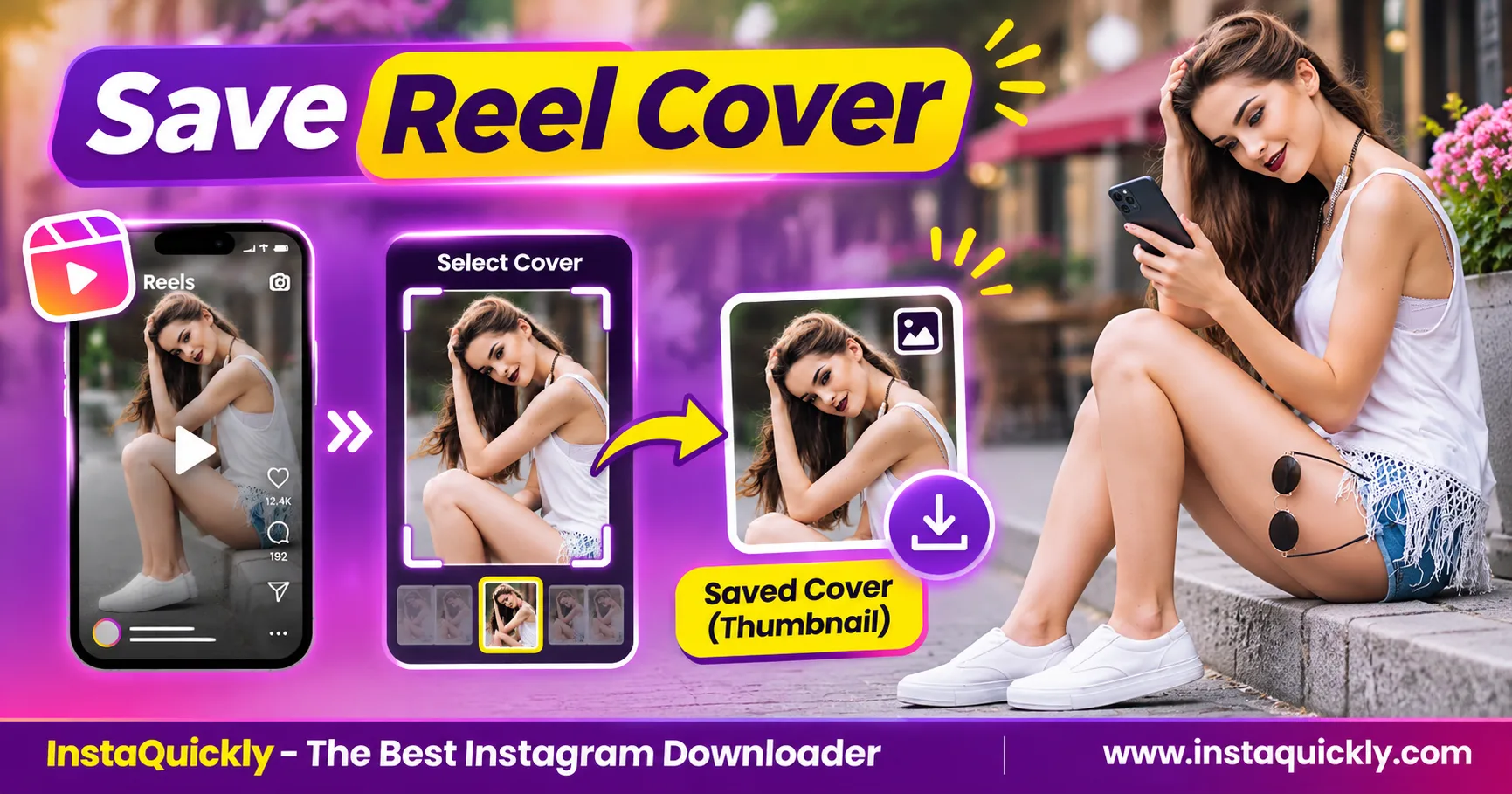
Want to download Instagram Reel cover photo images? First, copy the public Reel URL and check whether an accessible cover image is available. If no separate image appears, you can save a frame from a Reel video you own or have permission to use.
A Reel cover, a preview thumbnail, and a video frame are not always the same image. Instagram creators can select a cover before publishing, and that cover may include a custom design that does not appear in the video.
This guide explains how to save Reel covers, extract thumbnails, check image quality, and fix missing or blurry previews.
What Is an Instagram Reel Cover Photo or Thumbnail?
An Instagram Reel cover photo is the image selected to represent a Reel before someone plays it. A thumbnail is a smaller preview that Instagram may display in a grid, search result, or other viewing area.
Both help users recognize a video, but they may not use the same image file.
What Is an Instagram Reel Cover Image?
A Reel cover image represents the video when it is not playing.
Creators can choose a frame or use an available custom cover option during the Reel publishing workflow.
For example, a cooking creator might choose a cover showing the finished meal. A marketer might use a designed image with a product name.
The selected cover helps explain the Reel's topic before playback.
However, Instagram may resize or crop that image for different display areas.
The cover shown in the profile grid may therefore look different from the full cover composition.
Is a Reel Thumbnail the Same as Its Cover?
Not always. An Instagram Reel thumbnail image is a preview used to display the Reel in a particular location.
The thumbnail may show:
- The creator's selected cover.
- A smaller version of that cover.
- A cropped preview.
- A frame selected from the video.
- A placeholder while the content loads.
The image that appears can depend on the Instagram interface and the available media data.
A thumbnail downloader may retrieve an accessible preview rather than the creator's original cover file.
What Is an Instagram Reels Poster Frame?
An Instagram Reels poster frame is a still image used to represent video content before or during playback.
In video technology, a poster image is separate from the moving video frames.
A video player may show a poster image before playback begins.
The poster can be selected independently from the video itself.
For example, a creator might design a cover with large text, while the first second of the actual Reel shows a person speaking.
Extracting the first video frame will not reproduce that custom cover.
Instagram Reel Cover vs Video Frame: What's the Difference?
The main Instagram Reel cover vs video frame difference is the source of the image. A cover may be a separately selected graphic, while a video frame comes from the moving picture inside the Reel.
Both can represent the content, but they are not interchangeable.
Reel Cover, Thumbnail and Video Frame Compared
| Feature | Reel Cover Photo | Preview Thumbnail | Extracted Video Frame |
|---|---|---|---|
| Main purpose | Represent the Reel | Show a small preview | Capture a moment |
| Selected by creator | Often | Not always | Selected during extraction |
| Can contain custom design | Yes | If based on cover | Only if present in video |
| Comes from video frames | Not necessarily | Not necessarily | Yes |
| May be cropped | Yes | Yes | Yes, depending on export |
| Separate image file available | Not guaranteed | Sometimes | Created during extraction |
| Original quality guaranteed | No | No | No |
| Typical saved format | JPG, PNG or WebP | JPG or WebP | JPG or PNG |
| Best use | Original cover reference | Quick visual reference | Specific scene capture |
The exact format and resolution depend on the accessible source and the method used to save the image.
Can a Custom Reel Cover Be Different from the First Frame?
Yes. A custom cover can include text, graphics, or a photograph that never appears inside the video.
For example:
- Cover: A designed image with the words "5 Editing Tips."
- First frame: A creator speaking to the camera.
- Middle frame: A demonstration of an editing tool.
All three can look different.
This explains why downloading the Reel and extracting its first frame may not give you the intended cover.
If you created the Reel, the original cover design is the most reliable source.
Does Instagram Display the Same Cover Everywhere?
Not necessarily. Instagram can display different crops of a cover in different areas of the app.
A tall cover may appear in the Reels tab but lose some of its top or bottom area in a profile grid preview.
The underlying image does not necessarily lose those pixels.
A thumbnail crop is a display choice, while the available cover file may contain a larger frame.
Before downloading, check whether you are looking at the full Reel or only a cropped profile preview.
How to Download an Instagram Reel Cover Photo
To save Instagram Reel cover image files, start with the correct public Reel URL and check whether the source offers a separate image. If it does not, save an authorized video and extract a frame instead.
Do not assume that every downloader includes a dedicated thumbnail button.
How Do You Copy the Correct Instagram Reel Link?
- Open Instagram.
- Find the Reel you want.
- Open the Reel itself.
- Tap Share.
- Select Copy Link.
- Paste the copied address into a note.
- Confirm that it identifies the intended Reel.
A typical URL looks like:
https://www.instagram.com/reel/EXAMPLE123/
The example shortcode is not a real post.
Use the Reel's direct content link instead of the creator's general profile URL.
For more help, read how to copy the correct Instagram URL.
How Can You Check for an Available Reel Thumbnail?
- Copy the public Reel URL.
- Open a compatible downloader or media viewer.
- Paste the Reel link.
- Check whether the result includes a separate cover or image option.
- Open the image preview if one exists.
- Confirm that it matches the intended Reel cover.
- Select an available image download option.
- Save the file and inspect it.
An Instagram Reel thumbnail downloader must actually provide an image file for this method to work.
A preview displayed on a tool's result page does not always mean that the preview is available as a separate downloadable file.
If no cover download option appears, do not mistake a video Download button for an image export.
Can You Save a Reel Cover on iPhone or Android?
Yes, when an accessible image file is available or you can create an authorized frame capture.
On mobile, the workflow depends on how the image is supplied.
For an image download:
- Open the available image in your browser.
- Use its Download or Save Image option when provided.
- Check Files, Downloads, Photos, or Gallery.
- Open the saved image.
- Confirm its dimensions.
For a frame extracted from your own video, use a compatible video editor or a frame-capture feature.
Avoid relying on a screenshot when you need maximum available pixel detail.
A screenshot may include player controls or use a smaller displayed image.
How to Extract an Instagram Reel Thumbnail from a Video
To extract Instagram Reel thumbnail images, save a compatible Reel video you own or have permission to use, then capture a frame using a trusted editor.
This method produces a still image from the video, not necessarily the selected Instagram cover.
How Do You Save the Reel Video First?
- Open the public Reel.
- Copy its URL.
- Visit the Instagram Reels downloader for public videos.
- Paste the Reel link.
- Click Download.
- Review the available media options.
- Save a supported MP4 file.
- Play the downloaded video.
- Confirm that the required scene is present.
InstaQuickly offers browser-based downloads for supported public Reels without requiring an Instagram login.
However, this does not guarantee a separate cover image or the original uploaded video file.
If the downloadable Reel is unavailable, ask the creator for an authorized copy.
How Do You Capture a Frame from the MP4?
- Open the downloaded MP4 in a trusted video editor.
- Move to the scene you want.
- Pause at the exact frame.
- Find Export Frame, Save Frame, or a similar function.
- Choose JPG or PNG if supported.
- Save the still image.
- Open it in an image viewer.
- Inspect its size and sharpness.
An exported frame usually follows the available video's dimensions unless the editor resizes it.
If you use a screenshot instead, the result may have different dimensions.
A frame capture is useful for tutorials, product references, or visual research.
However, it cannot recreate a custom cover that exists outside the MP4.
Can You Download an Instagram Video Cover Without Saving the Video?
Sometimes. A separate Instagram Reel preview image may be accessible through a supported media source or an image-specific extraction tool.
However, not every Reel exposes a downloadable cover file.
If the source provides only a video, you may need to save that video before extracting a frame.
Do not assume that an image displayed as a preview is the original cover uploaded by the creator.
For regular Instagram photo posts rather than Reel covers, use the Instagram photo downloader for public images.
That tool is intended for photo content; it should not be treated as a guaranteed Reel-cover extractor.
Instagram Reel Cover Resolution and Image Formats Explained
Instagram Reel cover resolution describes the pixel width and height of the available image. A larger image can preserve more detail, but compression, cropping, and original design quality also affect how sharp it looks.
There is no guaranteed download resolution for every Reel cover.
What Size Should an Instagram Reel Cover Be?
For creating your own vertical Reel cover, 1080 × 1920 pixels at 9:16 is a practical design size.
It provides a tall canvas suitable for the Reel viewing format.
However, Instagram may crop the image when displaying it in a profile grid or another preview area.
Keep important text and subjects away from edges that might be hidden in these views.
A downloaded preview may use fewer pixels than the original design.
Reel Cover Dimensions and File Quality Compared
| Image Example | Aspect Ratio | Total Pixels | Common Limitation |
|---|---|---|---|
| 320 × 568 px | About 9:16 | 181,760 | Small preview |
| 540 × 960 px | 9:16 | 518,400 | Limited enlargement |
| 720 × 1280 px | 9:16 | 921,600 | Source compression may remain |
| 1080 × 1920 px | 9:16 | 2,073,600 | Not guaranteed as a download |
| 1080 × 1350 px | 4:5 | 1,458,000 | Different vertical crop |
| 1080 × 1080 px | 1:1 | 1,166,400 | Square preview may crop edges |
These are illustrative dimensions, not a list of guaranteed Instagram thumbnail files.
The available image can have different dimensions or formatting.
For more detail on image shapes, read why Instagram photos get cropped or resized.
Is JPG, PNG or WebP Better for Reel Covers?
JPG, PNG, and WebP are image formats that can store a Reel cover or extracted frame.
Each format works differently:
- JPG: Common for photographs; uses lossy compression.
- PNG: Useful for graphics and text; uses lossless compression.
- WebP: Supports efficient lossy or lossless image encoding.
A PNG copied from a low-quality JPG does not restore lost image details.
Similarly, converting a small thumbnail into a large PNG does not recover the original cover.
Choose the best available source before changing formats.
Does Video Bitrate Affect an Extracted Thumbnail?
Yes. Video bitrate can affect the visible detail in a frame extracted from an MP4.
Bitrate measures the amount of encoded video data used per second.
A heavily compressed video may show blocks, blurred textures, or reduced detail.
For example, a frame extracted from a low-bitrate video may look less sharp than the original cover artwork.
Increasing the exported image dimensions will not restore the detail removed by video compression.
If you own the content, use the original cover design or a high-quality master video whenever possible.
Why Is an Instagram Reel Thumbnail Missing, Cropped or Blurry?
A Reel thumbnail may look wrong because Instagram displays a cropped preview, the image source is small, or the downloader provides a different frame.
Identify the problem before trying another download.
Why Is the Reel Cover Different from the Downloaded Image?
The downloaded image may be a generated preview rather than the creator's selected cover.
Possible reasons include:
- The creator used a separate custom cover.
- The downloader returned a video frame.
- Instagram displayed a cropped grid thumbnail.
- The accessible preview came from an older media version.
- The cover file was unavailable from the source.
Compare the image with the Reel's full preview rather than its profile grid alone.
If you need the exact custom artwork, request it from the creator or use your original design file.
Why Does the Instagram Reel Thumbnail Look Blurry?
A download Instagram video cover workflow can produce blurry results when the accessible preview contains too few pixels.
Common causes include:
- Low thumbnail resolution.
- Strong JPG or WebP compression.
- A small source image.
- Enlargement beyond native dimensions.
- A low-quality video frame.
- A screenshot taken from a small preview.
Check the actual pixel dimensions before applying sharpening or AI upscaling.
A larger-looking image is not necessarily a higher-quality source.
What If the Reel Thumbnail Is Not Available?
If the tool provides no image, check whether the original Reel remains accessible.
- Open the Reel in Instagram.
- Confirm that the post still exists.
- Check its privacy settings.
- Copy the correct Reel URL.
- Try the supported media result again.
- Look for an actual image download option.
- Use an authorized video frame if no cover file exists.
Private, deleted, or restricted Reels may not provide accessible media.
A downloader cannot guarantee recovery of an unavailable cover.
How Can Creators Save and Reuse Reel Covers Responsibly?
Creators should keep original cover artwork and video projects outside Instagram. This gives them reliable access to the highest-quality source, even when Instagram changes thumbnails or compresses media.
For someone else's cover, viewing or downloading does not automatically grant republication rights.
How Do You Back Up Your Own Reel Cover?
- Open your original design or editing application.
- Find the cover artwork.
- Export a suitable image version.
- Keep the original editable project.
- Save the image to a named folder.
- Keep a second backup in another location.
- Record which Reel uses the cover.
For example:
Instagram_Reels/Covers/
Instagram_Reels/Original_Videos/
Instagram_Reels/Published/
This structure helps you reuse your own assets without downloading compressed copies from Instagram.
Meta confirms that creators can change the cover image during the Reel publishing process in its official introduction to Instagram Reels.
Can You Reuse Someone Else's Reel Thumbnail?
You need the appropriate rights or permission before republishing another creator's protected cover image.
A Reel cover may contain original photography, illustrations, logos, or other copyrighted work.
Downloading the thumbnail does not transfer ownership.
For permitted research, keep the original Reel URL and creator attribution alongside the image.
Do not use someone else's cover to impersonate them or suggest a false endorsement.
Is a Reel Screenshot the Same as a Downloaded Cover?
No. A screenshot captures the image displayed on your screen, including any visible interface elements.
A downloaded cover image may contain a separate file with different dimensions and compression.
If you only need a quick visual reference, a screenshot may be sufficient.
For a clean design asset you own, use the original cover file.
For a precise scene from an authorized video, export a frame directly from the MP4.
Frequently Asked Questions About Instagram Reel Cover Downloads
Can I download an Instagram Reel cover photo?
Sometimes. A compatible source may provide a separate cover or preview image.
If no image file is available, you can extract a frame from a Reel video you own or have permission to use. The extracted frame may differ from the original cover.
What is the difference between a Reel cover and a thumbnail?
A cover is an image selected to represent the Reel. A thumbnail is the preview shown in a specific viewing area.
The thumbnail may use the cover, a smaller version, a crop, or a video frame.
Can I save a Reel thumbnail without downloading the video?
Yes, when an accessible image file is available.
However, some sources provide only video media. In that case, you may need to download an authorized MP4 and export a frame.
What is the best Instagram Reel cover resolution?
For your own cover design, 1080 × 1920 pixels at 9:16 is a practical starting point.
Downloaded covers may have different dimensions. Instagram does not guarantee every accessible thumbnail will match your original design.
Why is my Reel thumbnail blurry after downloading?
The available preview may be small, compressed, or taken from a low-quality video.
Check the image's real pixel dimensions. Enlarging a small thumbnail cannot restore genuine original detail.
Can I extract the exact cover from the first frame of a Reel?
Only if the creator used that frame as the cover.
A custom cover can be a separate image that never appears in the video. Extracting its first frame will not recreate the custom artwork.
Does InstaQuickly guarantee a separate Reel cover image?
No. InstaQuickly supports downloads of available public Reel media, but a separate cover-image export is not guaranteed.
Check the tool's actual result. If it returns only an MP4, use an authorized video-frame extraction method.
Conclusion: Save the Right Reel Image, Not Just Any Frame
To download Instagram Reel cover photo images, first check whether an accessible cover file exists. A selected cover, a preview thumbnail, and an extracted video frame can look different.
For your own Reels, keep the original cover design and export it at a suitable resolution. For other public Reels, use only available media you have permission to save and reuse.
If no separate image is available, a compatible video editor can capture a frame from an authorized MP4, but it cannot recreate custom cover artwork.
Try InstaQuickly's Instagram Reels Downloader to check available media from supported public Reels.
Save public Instagram media for permitted personal research or educational purposes. Obtain the necessary rights before publishing or commercially reusing someone else's video, audio, or cover image.
InstaQuickly is an independent service and is not affiliated with or endorsed by Instagram or Meta.