
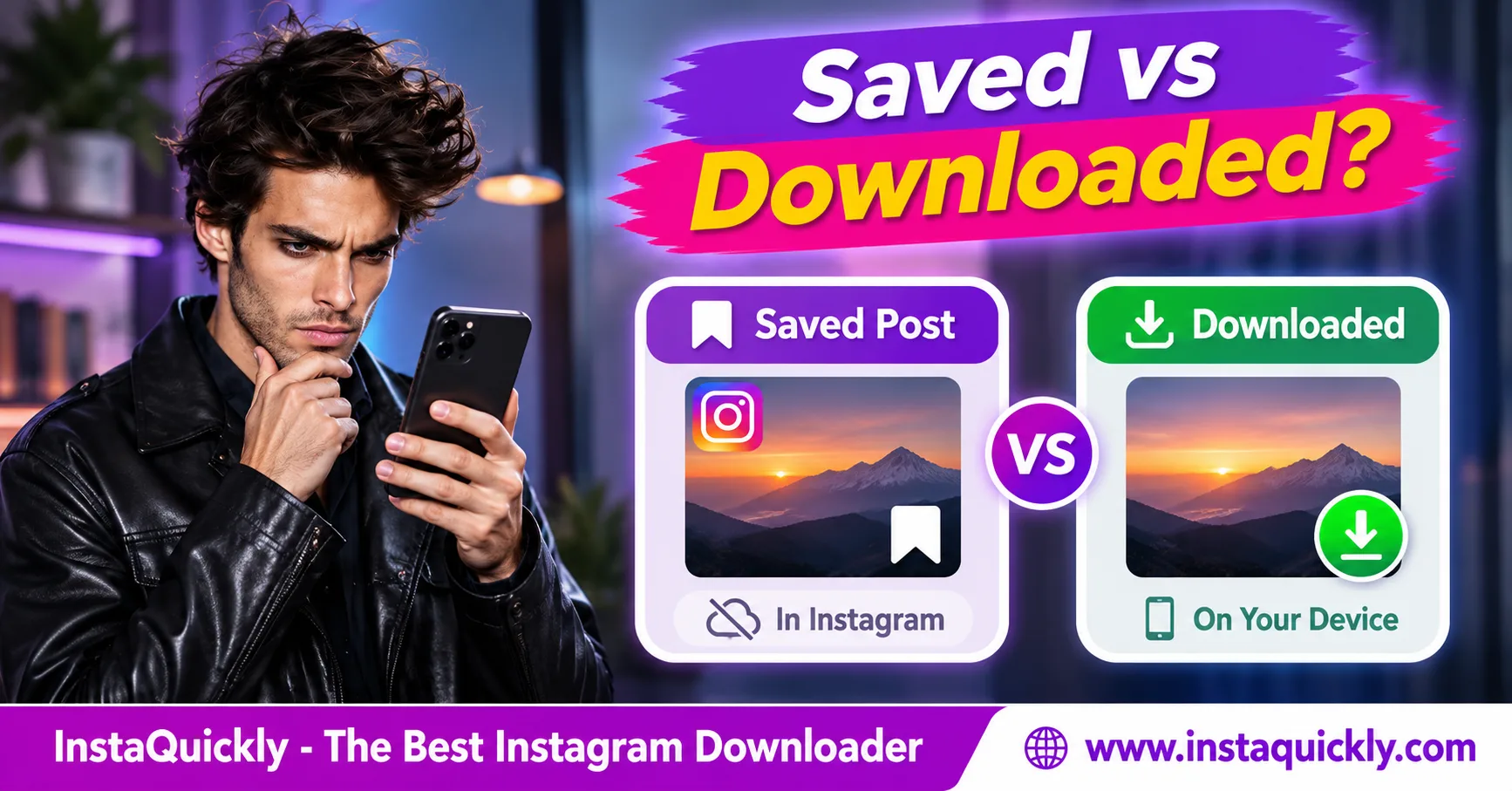
Instagram saved vs downloaded posts comes down to one key difference: saving a post bookmarks it inside Instagram, while downloading creates a media file on your device. A saved post does not automatically appear in your phone's Gallery or Photos app.
Instagram's Save feature helps you return to posts, Reels, and Collections later. Downloading an accessible photo or video creates a local file, such as JPG or MP4, that you can keep for permitted offline use.
This guide explains where saved posts go, how downloads work, whether saved Reels use phone storage, and which option to choose for personal research or content backups.
What Is the Difference Between Instagram Saved and Downloaded Posts?
The main Instagram save vs download difference is file ownership and storage. Saving creates an Instagram bookmark linked to an existing post. Downloading creates a local media copy that your device can open separately from the Instagram app.
These two actions serve different purposes.
What Happens When You Save an Instagram Post?
When you tap Instagram's bookmark icon, the app adds the post to your Saved area.
Instagram keeps a reference to the original content instead of giving you a standard photo or video file.
You can organize saved content into Collections for easier access.
For example, you might save:
- Travel ideas.
- Cooking tutorials.
- Product references.
- Workout videos.
- Educational Reels.
- Creative inspiration.
The original content remains associated with its creator's Instagram post.
If Instagram removes the post or you lose permission to view it, your saved bookmark may no longer open the content.
What Happens When You Download an Instagram Post?
Downloading saves an accessible media file to your phone or computer.
Depending on the content, the file may use a format such as JPG, WebP, or MP4.
You can then find it in a device folder, open it with a compatible application, or include it in an authorized personal backup.
However, downloading does not automatically give you copyright ownership or permission to republish someone else's work.
The available file quality also depends on the original source.
Instagram Save vs Download: Complete Comparison
An Instagram bookmark vs download comparison shows why these features are not interchangeable. Saved posts work best for organizing references inside Instagram, while downloaded files are more useful when you need an accessible local copy.
| Feature | Instagram Saved Posts | Downloaded Posts |
|---|---|---|
| Main purpose | Bookmark content | Save a media file |
| Storage location | Instagram account | Phone or computer |
| Creates a normal JPG/MP4 file | No | Yes, when available |
| Appears in phone Gallery | No, not by saving alone | Depends on folder and indexing |
| Requires Instagram to reopen original | Usually Yes | No, for a completed local file |
| Offline access | Not reliable | Yes, with a compatible local file |
| Uses device storage | App cache may use space | Full file uses storage |
| Can organize content | Instagram Collections | Device folders and albums |
| Original post deleted | Bookmark may become unavailable | Existing local copy generally remains |
| Depends on original account privacy | Yes | Access required when downloading |
| Gives permission to repost | No | No |
| Best for | Quick references | Permitted offline files and backups |
The table describes normal behavior. Instagram also provides selected native media-download features, so the exact download options can vary by post and account.
Which Option Should You Choose?
Use Save when you want to return to a post inside Instagram.
Use Download when you need a permitted local copy.
For example:
- Save a recipe Reel to your Cooking Collection for easy access.
- Download your own tutorial video to keep a local backup.
- Save a product post when you only need its reference.
- Download an authorized photo when you need to inspect it offline.
You can also use both options for the same post.
A bookmark helps you return to its original context, while a local file lets you access the downloaded media independently.
Where Are Saved Instagram Posts Stored?
Where are saved Instagram posts? Instagram keeps saved posts in the Saved section of your account, not as ordinary files in your phone's Downloads folder.
The Saved area lets you view bookmarks and organize them into Collections.
How Do You Find Your Saved Instagram Posts?
Follow these steps:
- Open the Instagram app.
- Sign in to the account where you saved the post.
- Go to your profile.
- Tap the menu icon.
- Select Saved.
- Open All Posts or the relevant Collection.
- Tap a saved post to view it.
Instagram's interface may vary across app versions.
If you cannot find Saved, check your profile menu for the current location.
Make sure you are using the same Instagram account that originally saved the content.
Are Instagram Saved Posts Stored on Your Phone?
Instagram saved posts stored on phone is a common misunderstanding.
The bookmark belongs to your Instagram account. Instagram may temporarily cache some images, thumbnails, or videos on your device to help the application run.
However, cached app data is not the same as a normal downloaded media file.
You should not rely on that cache for offline access or long-term backup.
Clearing Instagram's cache can remove temporary data without deleting the saved bookmarks in your account.
Do Saved Instagram Posts Use Phone Storage?
Saved bookmarks themselves do not normally create full photo or video downloads in your public media folders.
However, Instagram's application cache can consume device storage while you browse content.
This explains why the Instagram app may become larger even when you have not downloaded any media files.
To check storage usage:
- Android: Open Settings > Apps > Instagram > Storage.
- iPhone: Open Settings > General > iPhone Storage > Instagram.
The displayed storage size can include application files, documents, and cached data.
It does not mean every saved Instagram post exists as an accessible MP4 or JPG.
Can You View Saved Instagram Posts Offline?
Normally, you cannot reliably view Instagram saved posts offline because Saved bookmarks point to Instagram content rather than providing independent downloaded files.
Some previously viewed content may appear from the app's cache, but that behavior is not guaranteed.
Why Won't Saved Posts Open Without Internet?
A saved bookmark tells Instagram which original post to retrieve.
When you open it, Instagram may need an internet connection to load the photo, video, caption, comments, or current account permissions.
Without a connection, the app may show:
- A loading screen.
- An empty media area.
- A connection error.
- An unavailable post.
- A cached preview without full playback.
These outcomes depend on the app and its available cached data.
Do not treat Saved as a reliable offline media library.
Can You Watch Downloaded Instagram Videos Offline?
Yes. A completed video file can play offline if your device supports its format and codec.
For example, an MP4 containing compatible H.264 video and AAC audio can play in many mobile and desktop media applications.
You do not need Instagram to reopen that local file.
However, the file might not include all features from the original post, such as:
- Interactive stickers.
- Comments and reactions.
- Original post links.
- Some licensed music.
- Live captions or interactive elements.
A local video also does not necessarily match the creator's untouched original upload.
Why Do Downloaded Posts Sometimes Disappear from Gallery?
A file may still exist even when Gallery or Photos does not show it.
This can happen when your browser saves the file in Downloads but the gallery application does not display that folder.
On Android, check the file manager before downloading again.
For detailed instructions, read how to find missing Android video downloads.
For iPhone, check the Files app when a downloaded video does not appear in Photos.
Instagram Collections vs Downloads: How Should You Organize Content?
Instagram Collections vs downloads is mainly an organization decision. Collections group bookmarked posts inside Instagram, while downloaded files can be sorted into local folders or albums.
Choose based on whether you need a reference or an independent media copy.
How Do Instagram Collections Work?
Collections let you organize saved Instagram posts by topic.
For example, you can create Collections for:
- Travel destinations.
- Recipes.
- Fashion references.
- Marketing inspiration.
- Video editing ideas.
- Educational content.
To create or use a Collection:
- Open an Instagram post or Reel.
- Tap or press the Save icon.
- Choose an available Collection option.
- Select an existing Collection or create a new one.
- Name the Collection.
- Save the post.
- Return to your profile's Saved section to find it.
Depending on Instagram's interface, Collection options may appear immediately or after a long press.
The bookmark still points to the original post.
Are Instagram Collections Private?
Personal Saved Collections are generally private to the account owner.
However, Instagram also supports collaborative Collections that selected participants can access together.
A collaborative Collection may be useful for planning a trip or collecting ideas with friends.
It does not make the original content a downloadable file.
Meta has described how users can save posts into shared Collections through Instagram conversations. See Meta's official introduction to collaborative Collections.
How Should You Organize Downloaded Instagram Files?
Use local folders when you want to keep permitted media files.
For example:
Instagram_Downloads/
Inside that folder, organize content into:
- Photos.
- Videos.
- Reels.
- Personal_Backups.
- Research_References.
For creators, you can also organize files by project or year.
Keep the original post URL, creator username, and permission information when they matter.
A local folder is useful for file management, but it does not replace the original creator's copyright or attribution.
How to Save or Download Instagram Posts Step by Step
To save a post inside Instagram, use the bookmark icon. To download an available public photo or video, use an appropriate native download option or a compatible browser-based tool.
Check the content type before choosing a method.
How Do You Save an Instagram Post Without Downloading It?
- Open Instagram.
- Find a photo, video, or Reel.
- Tap the bookmark icon or its available Save option.
- Choose a Collection when prompted.
- Open your profile menu.
- Select Saved.
- Confirm that the post appears.
This process creates a bookmark, not a local media file.
The post remains linked to its original Instagram source.
How Do You Download a Public Instagram Video?
For supported public videos, InstaQuickly provides a browser-based download workflow without requiring your Instagram login.
Follow these steps:
- Open a public Instagram video.
- Confirm that you have permission to save it.
- Tap Share and select Copy Link.
- Open the Instagram video downloader for public posts.
- Paste the copied URL.
- Click Download.
- Select an available video file.
- Save the file to your device.
- Open Downloads or your browser's download history.
- Play the video to confirm it works.
The available resolution and audio depend on the source.
InstaQuickly does not guarantee access to private, deleted, or otherwise restricted posts.
How Do You Download an Instagram Photo?
Use a compatible photo downloader when you need a supported public image file.
- Open the public Instagram photo post.
- Tap Share.
- Select Copy Link.
- Open the Instagram photo downloader for public images.
- Paste the post URL.
- Click Download.
- Review the available image options.
- Save the image.
- Check your device's Downloads or Photos location.
A downloaded image can use JPG, WebP, or another supported file format.
The best available resolution does not always equal the original camera image.
How Do You Save Your Own Instagram Posts for Backup?
Use Instagram's official data export through Meta Accounts Center when you need a broader backup of your own content.
A public media downloader can help save selected posts, but it does not export every account record.
If you plan to leave Instagram or delete an account, read our guide to backing up Instagram content.
For important memories, keep the original camera or editing files as well.
Why Can Saved Instagram Posts Disappear?
Can saved Instagram posts disappear? Yes. A bookmark may stop working when the original creator deletes the post, changes access permissions, or Instagram removes the content.
Saved posts remain dependent on their source.
What Happens If the Creator Deletes a Saved Post?
If the creator deletes the original post, your bookmark cannot guarantee access to it.
Instagram may remove the post from Saved or show it as unavailable.
You cannot restore the creator's deleted media simply by keeping a bookmark.
A previously downloaded, completed file may remain on your device, but it does not replace your responsibility to respect copyright and privacy.
Can Saved Reels Disappear When an Account Becomes Private?
Yes. If the creator makes an account private and you are not an approved follower, you may lose access to previously visible Reels.
Your old bookmark does not bypass the account's new privacy settings.
Similar restrictions can apply if:
- The creator blocks your account.
- The original media becomes unavailable.
- Instagram removes the post.
- The content faces regional restrictions.
- You switch to a different Instagram account.
Check the original post and account access before assuming Instagram has deleted your Saved collection.
How Are Saved Reels Different from Downloaded Reels?
Instagram saved Reels vs downloaded Reels follows the same bookmark-versus-file distinction.
A saved Reel stays in your Instagram Saved section as a reference.
A downloaded Reel creates a local video file when a compatible download is available.
The native Instagram download may include an Instagram watermark and creator username. Other available files may differ.
Read what Instagram Reel downloads actually contain to understand branding and source quality.
Remember that a watermark-free download does not automatically give you permission to repost the video.
Instagram Saved Posts Troubleshooting and Storage Explained
If you cannot find a saved post or downloaded file, first identify which action you used.
The bookmark icon and Download button lead to different storage locations, so checking the wrong place may make content appear missing.
Where Should You Look for Saved and Downloaded Content?
| Problem | Saved Instagram Post | Downloaded Media File |
|---|---|---|
| Not showing in Gallery | Normal behavior | Check Downloads and media folders |
| Cannot find in Instagram | Check profile > Saved | Check file manager instead |
| No internet connection | May not load | Local file can work offline |
| Original post deleted | May become unavailable | Existing file generally remains |
| App cache cleared | Bookmark normally stays | Local file normally stays |
| Instagram account removed | Saved list may be lost | Device copy generally remains |
| File has no sound | Not applicable to bookmark itself | Check MP4 audio track |
| Low picture quality | Depends on playback source | Depends on downloaded source |
Use this table to narrow down the problem before trying another download.
Does Instagram Save Photos to Gallery Automatically?
No. Tapping Save on a regular Instagram post normally adds a bookmark, not an image to your Gallery.
Instagram also has separate features for saving your own media, drafts, or eligible downloadable Reels.
Those functions are not the same as bookmarking someone else's post.
If you need a local photo, check whether a permitted download option exists.
What If Your Saved Posts Are Missing?
Follow these checks:
- Open the correct Instagram account.
- Go to your profile.
- Open Saved.
- Check All Posts and relevant Collections.
- Search for the original creator or post.
- Confirm that the content still exists.
- Check whether the account became private.
- Update Instagram if the interface is not working.
Do not assume that a missing bookmark means your local downloads were deleted.
The two systems operate separately.
What If You Cannot Find a Downloaded File?
- Open the browser used for downloading.
- Check its Downloads history.
- Open Files, My Files, or your computer's file manager.
- Search for the expected image or video.
- Check the file extension.
- Test whether the file opens.
- Review the browser's save location.
If the file exists but Gallery does not display it, focus on local media organization.
Do not download duplicates until you know whether the original file was saved successfully.
Frequently Asked Questions About Instagram Saved vs Downloaded Posts
Are Instagram saved posts stored on your phone?
Saved bookmarks belong to your Instagram account rather than appearing as normal media files.
Instagram may cache some content on your phone, but that temporary data is not a reliable offline backup.
Can you watch saved Instagram Reels without internet?
Not reliably. Saved Reels are bookmarks that usually need Instagram access to load.
A completed, compatible downloaded MP4 can play offline without opening the original Reel.
Where do I find saved Instagram posts?
Open Instagram, go to your profile, open the menu, and select Saved.
You can then browse All Posts or available Collections. Menu locations may change across app versions.
Does saving an Instagram photo put it in Gallery?
No. The regular bookmark Save action does not download a photo into Gallery.
You need a separate permitted download or export action to create a local image file.
Can saved Instagram posts disappear?
Yes. A bookmark may become unavailable if the creator deletes the post, changes privacy settings, blocks you, or Instagram removes the media.
Saving does not protect the original content from these changes.
Do Instagram Collections take up phone storage?
Collections mainly organize bookmarks within Instagram.
The application may use local cache storage, but creating a Collection does not normally download full media files into your public storage folders.
Is downloading a Reel the same as saving it?
No. Saving a Reel bookmarks it inside Instagram, while downloading creates a video file when supported.
Downloading also does not automatically grant permission to repost or commercially reuse the content.
Conclusion: Save for Quick Access, Download for Offline Files
The difference between Instagram saved vs downloaded posts is simple: Saved keeps a bookmark inside Instagram, while Download creates a local media file.
Use Saved and Collections to organize recipes, ideas, and Reels you want to revisit. Use a permitted download when you need an MP4 or image file for offline access, personal backup, or authorized research.
Remember that saved bookmarks can disappear when original posts become unavailable, and downloads do not transfer copyright ownership.
InstaQuickly helps you download supported public Instagram videos and photos through a browser without requiring account login.
Try InstaQuickly's Instagram Video Downloader when you need an available local file.
Save public Instagram audio for offline personal research, educational use, or original content creation only. For creative reuse, ensure you have the necessary rights or permission.
InstaQuickly is an independent service and is not affiliated with or endorsed by Instagram or Meta.