

How to Make Instagram Video a Live Wallpaper on Android Now
Instagram video live wallpaper guide for iPhone and Android. Turn Reels into moving backgrounds, compare Live Photos and video wallpapers, and fix errors.
Read articleExplore Video Quality & Resolution articles, practical guides, and Instagram tips from the InstaQuickly Blog.
Instagram video live wallpaper guide for iPhone and Android. Turn Reels into moving backgrounds, compare Live Photos and video wallpapers, and fix errors.
Read article
Transfer downloaded Instagram videos to computer without losing quality. Follow USB, AirDrop and Quick Share steps for iPhone, Android, Windows and Mac.
Read article
Change playback speed downloaded Instagram video without creating a new file. Compare 0.5x, 1.5x and 2x, fix missing controls, and watch offline.
Read article
Learn to trim downloaded Instagram video without installing an app. Follow easy Photos and Android Gallery steps, then save a shorter MP4 safely.
Read article
Instagram video to Facebook Story without just a link: save an MP4, upload it on iPhone or Android, and fix cropping, missing audio or blurry video.
Read article
Extract photo from Instagram video in simple steps. Find the best frame, save it without screen controls, and understand resolution and color limits.
Read article
Instagram video to WhatsApp Status guide: download a compatible MP4, preserve 9:16 framing, fix blurry uploads, and check current length limits.
Read article
Instagram video download metadata explained: see which dates, creator details and location tags survive in MP4, and how to check a saved file safely.
Read article
Downloaded Instagram video shorter than original? Find missing seconds, check MP4 duration, spot incomplete downloads, and fix videos that stop early.
Read article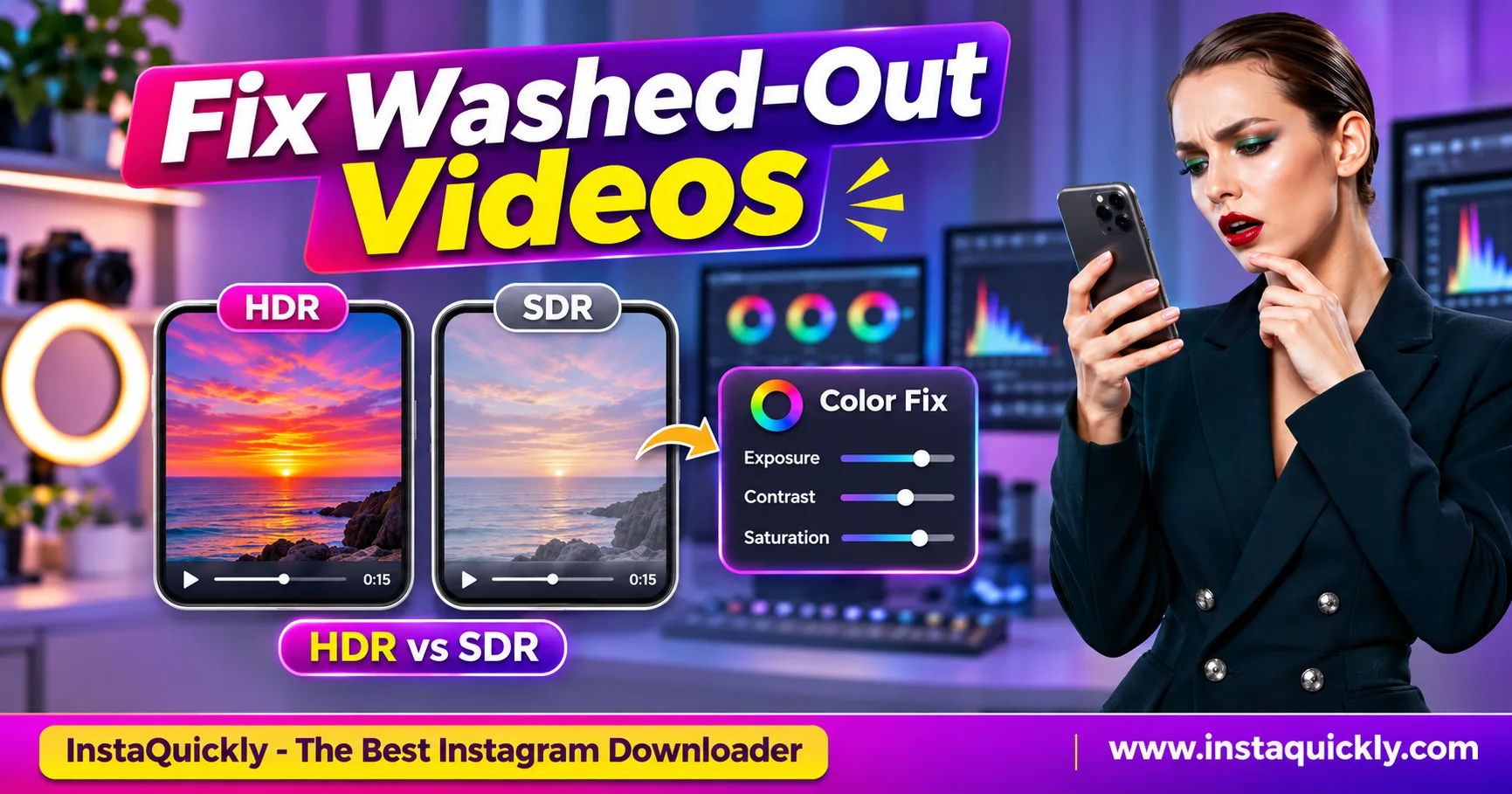
Instagram video washed out after download? Learn why HDR looks faded or too bright, compare HDR vs SDR, and fix colors on iPhone, Android and PC.
Read article
Save Instagram Reels for editing with a simple creator workflow. Import MP4 into CapCut, Premiere Pro or Canva without losing your original source files.
Read article
Save Instagram photos to Google Drive and back up Reels to iCloud. Follow iPhone and Android steps, organize folders, and verify uploads safely.
Read articleShowing 12 of 21 articles
Load more